
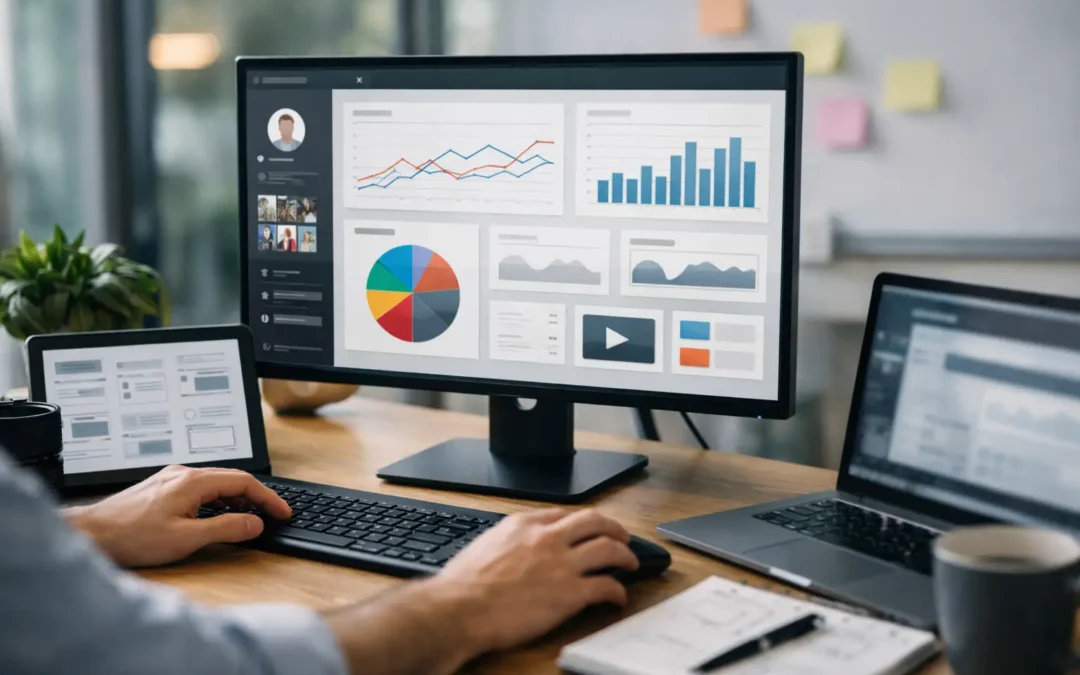
Most creator dashboards fail for a simple reason: they look like control centers, but they behave like junk drawers. You open them hoping for clarity and get a pile of widgets, half-connected metrics, and tabs you stop trusting after a week. If you want to build custom creator dashboard systems that actually help you run your business, the goal is not to show everything. The goal is to show the right things, in the right order, tied to the actions you take every day.
That matters more for creators than it does for most businesses. Your work sits across content, offers, lead generation, audience management, fulfillment, and revenue. Off-the-shelf tools can cover fragments of that process, but they rarely reflect how your business actually runs. A custom dashboard gives you a way to turn scattered activity into an operating system.
Why build custom creator dashboard systems at all?
If you’re running a content-led business, you already know the problem. Your ideas live in one tool, your content schedule in another, your leads in a form builder, your product sales in a storefront, and your client delivery somewhere else entirely. None of that is fatal at the beginning. But once your business picks up speed, fragmentation starts costing you real money.
You miss follow-ups because your audience data is disconnected from your content pipeline. You launch products without seeing what content actually drove demand. You spend more time checking tools than making decisions. And when you want to delegate, nobody knows which version of the workflow is the real one.
A custom creator dashboard fixes that by giving you one working layer over the business. Not a prettier reporting screen. A usable system that helps you decide what to publish, what to sell, who to follow up with, and where the bottlenecks are.
Start with decisions, not features
This is where most projects go sideways. People start by asking what should be on the dashboard. That sounds logical, but it usually leads to clutter. The better question is: what decisions do you need to make quickly and repeatedly?
For a creator, that usually means a short list. What content should I create next? Which offers are performing? Which leads need action? What is in production, what is blocked, and what is ready to ship? If a dashboard cannot support those decisions, it is decoration.
That also means not every useful datapoint belongs on the home screen. A top-level dashboard should reduce cognitive load, not increase it. Detailed reporting can sit one layer deeper. The main view should focus on action.
The core modules that usually matter
The exact structure depends on your business model, but most custom creator dashboards work best when built around a handful of operational areas.
Content operations
This is the part that tracks ideas, status, publishing cadence, repurposing, and performance signals. For some creators, that means managing a weekly content engine. For others, it means coordinating YouTube scripts, short-form clips, newsletter drafts, and product tie-ins.
The important part is context. A useful content module does not just list posts. It shows what stage each asset is in, which offer it supports, and what should happen next. That turns content from a creative pile into an organized production system.
Audience and lead flow
If someone downloads a lead magnet, joins a waitlist, books a call, or responds to a campaign, that activity should not disappear into separate tools. Your dashboard should show where people came from, what they engaged with, and what the next step is.
This is where a lot of creators feel friction. They are generating interest, but there is no clean bridge between audience activity and sales action. A custom setup closes that gap.
Product and offer tracking
Digital products, memberships, coaching offers, templates, or workshops all have moving parts. You need visibility into what is selling, what is underperforming, and what needs updates. In a stronger system, your dashboard also shows the content and campaigns connected to each offer so you can see which inputs are driving results.
Task and workflow management
This module matters even if you work alone. In fact, it matters more. Solopreneurs lose momentum when work gets trapped between memory, sticky notes, and five browser tabs. Your dashboard should show active projects, current bottlenecks, deadlines, and owner status if you have contractors or team members involved.
Revenue snapshot
This does not need to look like enterprise analytics. It needs to answer practical questions fast. What sold this week? What offer is trending down? What launch assets are still in production? Where is money coming from right now?
That level of visibility helps you adjust before small issues become expensive ones.
What a custom dashboard should not do
A lot of founders overbuild on the first version. They want every metric, every automation, every edge case. The result is usually slower development, messier interfaces, and a tool no one wants to maintain.
Your first dashboard should not try to replace every platform you use. It should centralize the parts that are slowing you down most. Sometimes that means pulling in data from other tools. Sometimes it means replacing a spreadsheet-and-tabs workflow with one cleaner interface. It depends on where the operational drag is coming from.
There is also a trade-off between flexibility and simplicity. If you make every field configurable and every view customizable, the system can become harder to use. Most creator businesses do better with clear defaults and a structure built around actual habits, not endless options.
The best process to build custom creator dashboard tools
The strongest dashboards are built from workflow backward. That means you define how the business runs before you touch design or development.
Define the operating model
Map the real workflow first. How does an idea become content? How does content connect to an offer? What happens after a lead comes in? How does someone move from buyer to repeat customer? You are not documenting the dream version of the business here. You are documenting what actually happens now, including the messy parts.
This step usually reveals where the dashboard needs to do real work. Maybe your content system is fine, but your follow-up process is broken. Maybe your audience growth is strong, but product delivery is scattered. Good systems start by identifying the actual points of friction.
Build around actions
Once the workflow is mapped, the interface should be built around actions users take most often. That might be updating a content stage, assigning a task, checking lead status, reviewing launch progress, or spotting revenue changes.
This is a practical design principle that gets ignored all the time. A creator dashboard is not a presentation layer. It is a working environment. If common actions take too many clicks, the system will be abandoned.
Connect the data sources that matter
You do not need every integration on day one. You need the ones that support the decisions you are trying to improve. That may include your content database, CRM, form responses, payment data, fulfillment status, or campaign tracking.
The key is consistency. A dashboard becomes unreliable the moment people stop believing the data is current. If something cannot be kept accurate without manual cleanup every day, it needs a different approach.
Launch lean, then refine
The smartest move is usually a focused first version. Start with one central dashboard and a few supporting views. Let it run under real conditions. See where users hesitate, what goes unused, and which missing pieces actually matter.
This is how practical studios approach system building. At Verhoef Media, the value is not in shipping a flashy interface fast. It is in building a workflow-centered tool that holds up once the business starts using it every day.
Build for how creators actually work
Creators do not operate like software teams or corporate departments. Your energy shifts between planning, producing, selling, and delivering, often in the same day. That means the dashboard needs to support mode-switching without feeling chaotic.
A good custom dashboard makes that easier by giving you one place to re-enter the business. You should be able to open it and know what matters right now. What is in motion, what is overdue, what needs approval, what is performing, and where your next action should go.
That is the real standard. Not whether it looks polished in a screenshot, but whether it helps you work faster, think more clearly, and trust the system enough to build on top of it.
If you’re still stitching your business together with generic apps, spreadsheets, and memory, that is usually the signal. You do not need more tools. You need a better operating layer – one built around the way your creator business actually runs.